One host screen
Use a computer or tablet that everyone can see.
READY · SET · RUMBLE
One host runs the game on a shared screen. Everyone else plays on a phone or tablet while searching their own family tree in FamilySearch.
Use a computer or tablet that everyone can see.
Keep Ancestor Rumble and FamilySearch open in separate tabs.
Have each player sign in before the first timed round.
FOR THE ADULT RUNNING THE GAME
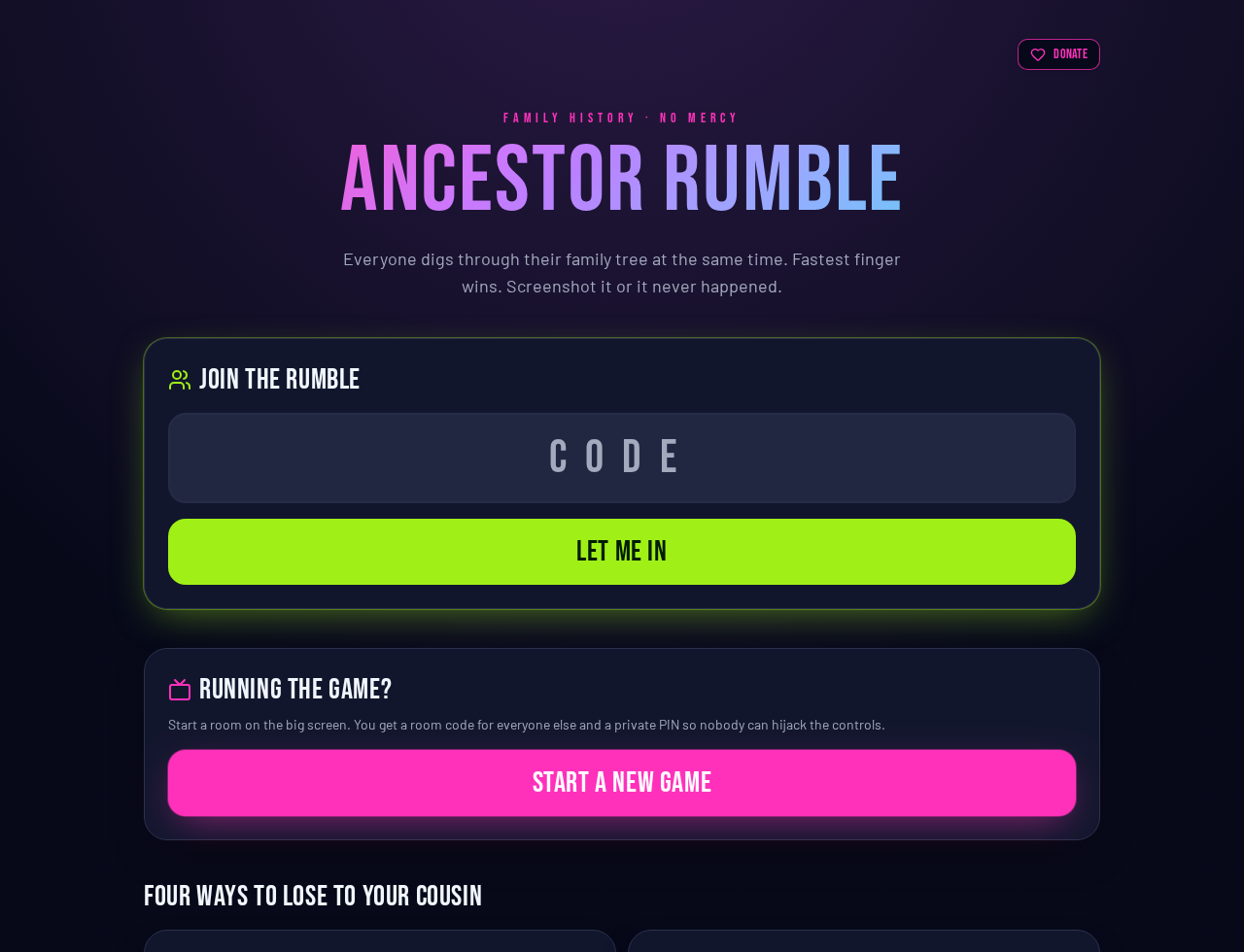
Open Ancestor Rumble on the screen everyone will watch. Select Start a new game. The room code and private host PIN are created automatically.
Keep the host screen visible. Players open Ancestor Rumble on their phones, enter the four-letter room code, add their name, and tap I’m in.
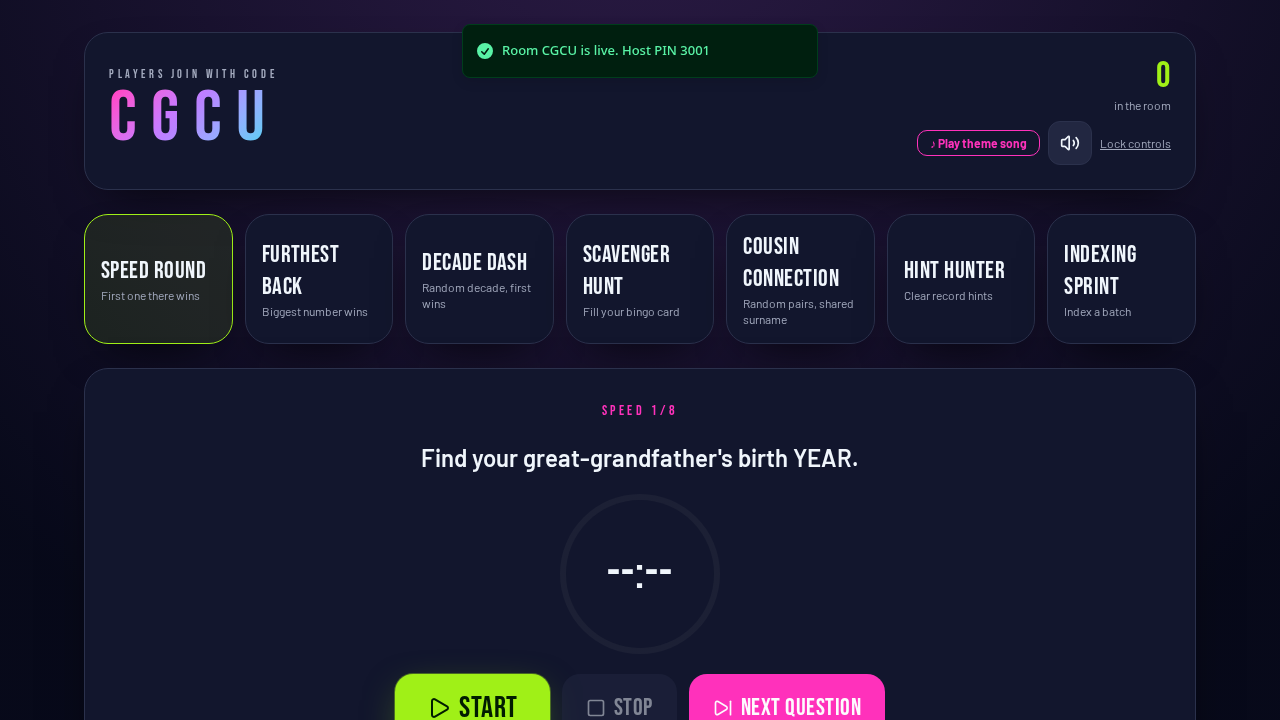
Select one of the seven game modes across the top. Wait until everyone appears in the room, then press Start. The question and timer appear on every device together.
Photos appear under This round in the order they were submitted. Open any photo to check it. Use the X to disqualify an incorrect answer and the check mark to restore it.
Use Next question, Next category, or Next round when it appears. When the game night is finished, stop the active round and select End game & show winner.
FOR EVERYONE WITH A PHONE OR TABLET
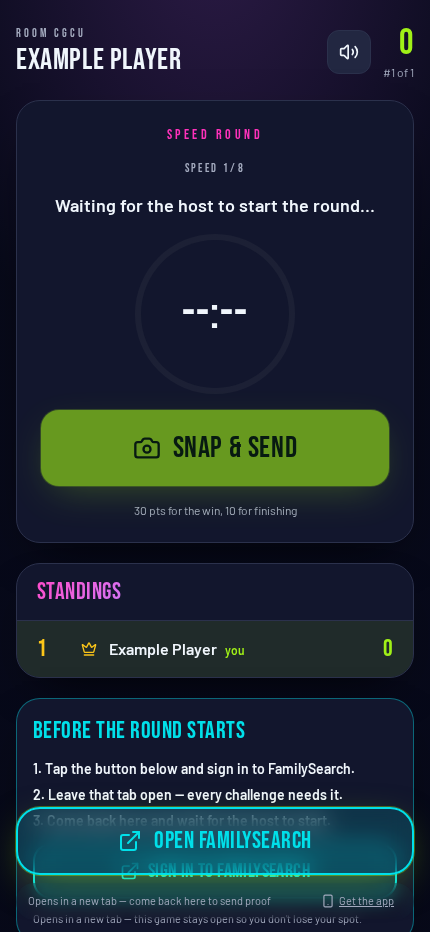
Enter the four-letter code shown on the host screen, choose a name nobody else is using, and tap I’m in.
Tap Sign in to FamilySearch before the first round. Sign in in the new browser tab, leave it open, and return to Ancestor Rumble so no game time is lost later.
When the host starts, read the challenge and use the FamilySearch button at the bottom. It opens the right FamilySearch page in a separate tab.
Find the answer, return to the game, and tap Snap & send. Take or choose a screenshot showing the proof. Submission order is recorded when you tap, before the photo finishes uploading.
Your points, rank, submissions, and the live standings update on your phone. When the host ends the game, everyone is taken to the final scoreboard.
SEVEN WAYS TO PLAY
Find the requested fact. First correct proof wins.
Enter the requested number, then send proof. The biggest valid number wins.
Watch the reels choose a decade and task. The timer starts when the reels stop; play all three rounds.
Tap a square, find that item, and send proof. Complete lines or fill the whole card.
Work with the randomly assigned partner or trio to find a shared surname.
Clear record hints in the FamilySearch website and submit proof.
Complete an indexing batch through FamilySearch Get Involved.
Make sure the screenshot clearly shows the answer before sending it.
The final standings highlight the winner and stay shareable for seven days.
Use the QR code, Share button, or Copy link on the final scoreboard.